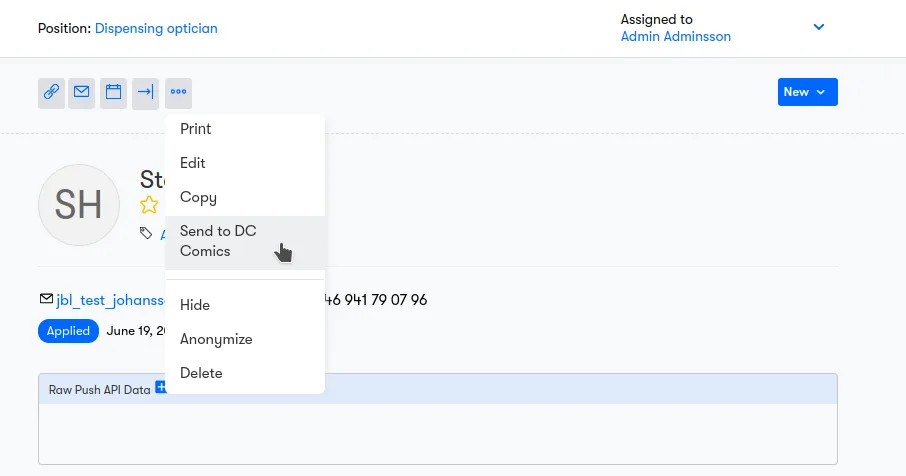
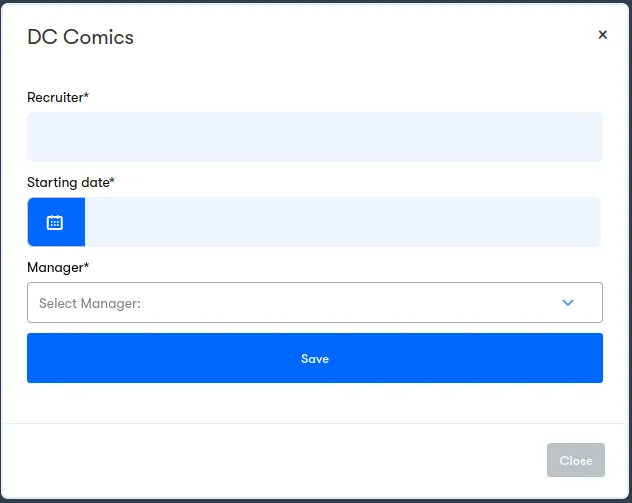
Candidate Custom Fields
In the case your integration needs extra data for a candidate, you can configure fields for a form that the client needs to fill-in when sending the candidate.
Custom fields for candidates can be added to Jobylon through the /config/companies/{company_id}/candidateendpoint. The Partner is able to choose a different configuration for each company.
See the payload schema for more details.
Note: An Integration using Candidate's custom fields cannot use at the same time Automations to automatically send Candidates to the Partner or bulk sending.
Editing a Candidate form
By default, users cannot edit a candidate form once it has been sent to a Partner. In some cases, it can be useful to allow a submitted field to be corrected or changed. See more at Candidate Updates